

Photo Guide
Step 1
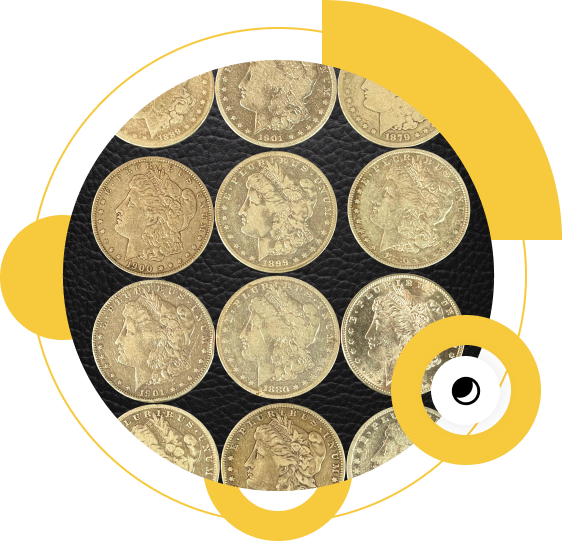
Start with a Dark Background
For multiple coins, lay them out in a grid pattern so fewer images are needed.


Step 2
Lighting
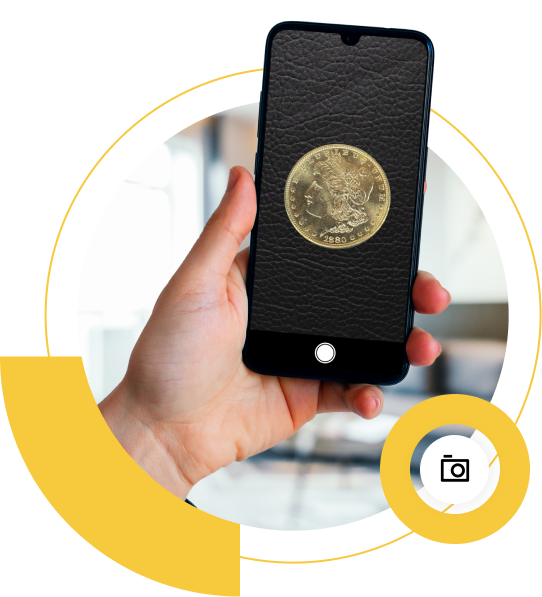
Using good overhead lighting, bring the phone close to the coin without obstructing the light from the light source. At that point you can slightly zoom in to get the coin nicely framed in the shot.


Step 3
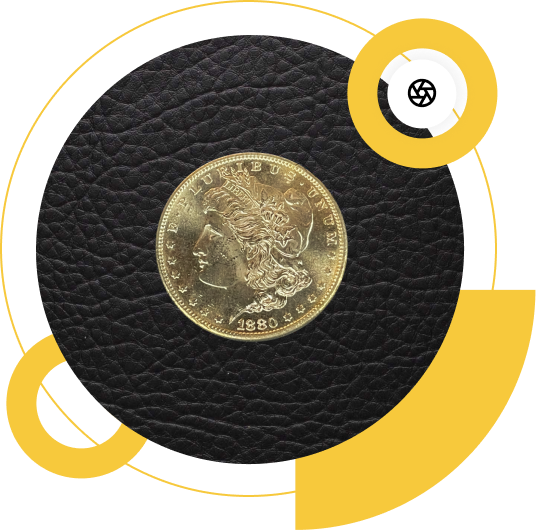
Focus
For single coins, tap your finger to refocus the camera on the obverse (coin talk for “front”) of the coin and take the photo. Do the same for the reverse (back) of the coin. For grid photos, tap your finger to focus the camera on the coins in the middle area of the grid.
Step 4
Click!
Take the shot and submit your photos for appraisal.
Step-by-Step
No Flash!
Oh and one last thing, please no flash!
Make sure to turn off the camera flash as that can truly make or break a coin photo.

Get a Coin Appraisal
Think you’re onto something big with your coin collection? Let’s talk.


401 Hawthorne Ln, Ste 110-323 - Charlotte, NC 28204
Having issues with this submission form? You can send us pictures by email as well.